Crew planning and shift scheduling for events
A shift roster in a sheet, availability by phone, and everyone asking “when am I on?”. In ShowIQ, crew sign up, pick their shifts and get a personal briefing page with their planning and a ticket for the door.
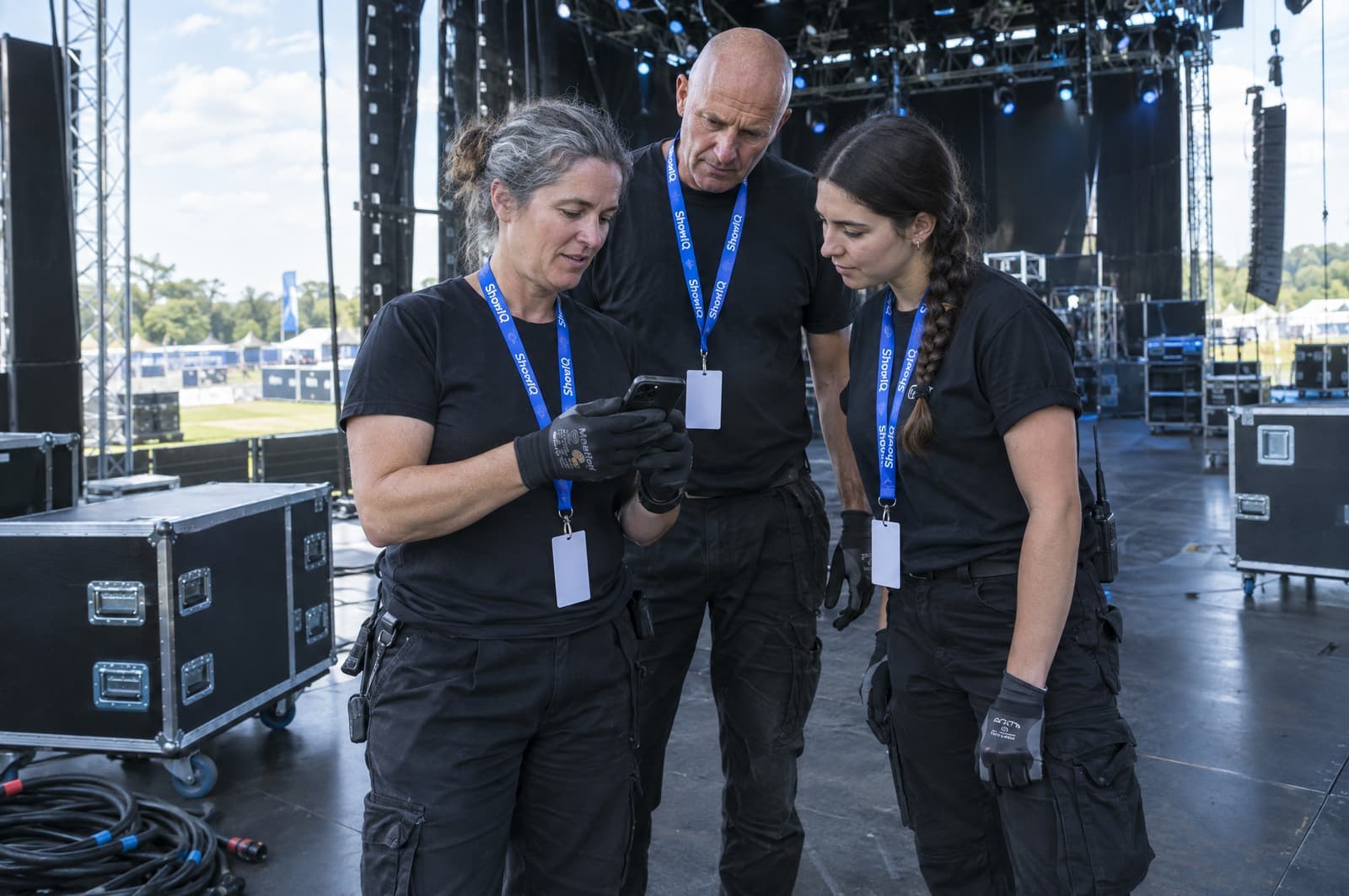
A shift roster in a sheet, availability by phone, and everyone asking "when am I on?".
Crew pick their shifts, get a personal briefing page and a QR ticket for their day.
You get back: No callsCrew planning in three steps.
- Set up jobs and shifts
Create jobs per day with instructions and an image, and shifts with a start and end time.
- Let crew sign up
A public sign-up form with shift choice and a limit per shift. Approved sign-ups go straight into the planning.
- Everyone knows when they are on
Each crew member gets a briefing page with their shifts, job instructions and tickets.
Everything in crew planning.
- Jobs and shiftsJobs per day with a note and an image; shifts with a start, an end and an optional flexible “until” time.
- Public crew sign-upCrew choose their own shifts, within the limit you set per shift.
- Availability gridCollect availability before you plan.
- Hours and breaksCrew submit their worked hours, breaks included, and you export them.
- Expenses with receiptsCrew submit expenses with a receipt; you approve and export them.
- Crew briefing pageShifts, job instructions and planning on one personal page, with their ticket.
- Managers with their own viewGeneral, crew and stage managers each get the view that fits their role.
- Vendors staff your jobsMark a vendor’s accreditation cell as a crew job and their people land in the planning with shifts.
Questions about crew planning.
Can crew pick their own shifts?
Yes. Through the public crew sign-up they choose from your shifts, within the limit per shift. Approved sign-ups land in the planning automatically.
Can I export hours?
Yes. Worked hours, including breaks, can be exported, and so can approved expenses.
Do crew get a ticket for the door?
Yes. Every crew member gets a personal briefing page with their planning and a link to their tickets.
Can a vendor supply crew?
Yes. Mark one of their accreditation cells as a crew job: everyone they register there is put on that job, with the shifts they fill in.
The rest of the show, in the same system.
- AccreditationArtists register their own people per day through a personal link. You approve, they get a QR ticket.3 h → 20 min
- Artist briefingsOne live page per artist with set times, route, contacts, guestlist and tickets. Send once, never re-send.Send once
- GuestlistsArtists, forms, vendors and CSV imports feed one list. Approve per day; the door sees it live.No merging
- Check-inScan QR tickets with any phone, see in a second whether a pass is valid today, and follow the count live.1 scan
Stop managing shows in spreadsheets. Run them in ShowIQ.
Bring one upcoming show. We set it up with you and you see the difference on your own crew planning.