Event check-in and QR ticket scanning at the door
A printed list, a marker and a queue while someone searches for a name. With ShowIQ, door staff scan the QR ticket on their phone and see in a second whether the pass is valid today, while the count updates live for the office.
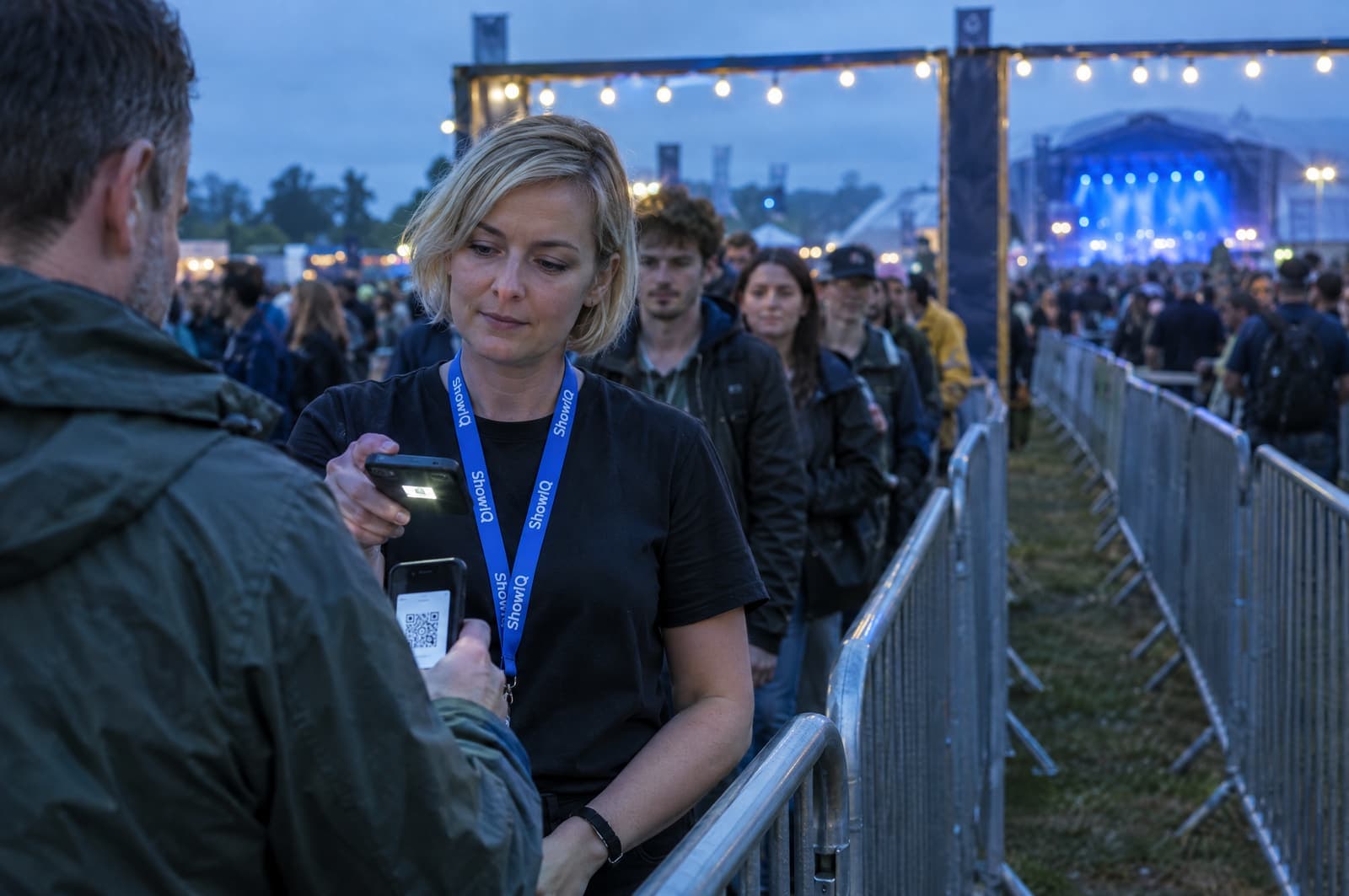
A printed list, a marker and a queue while someone searches for a name.
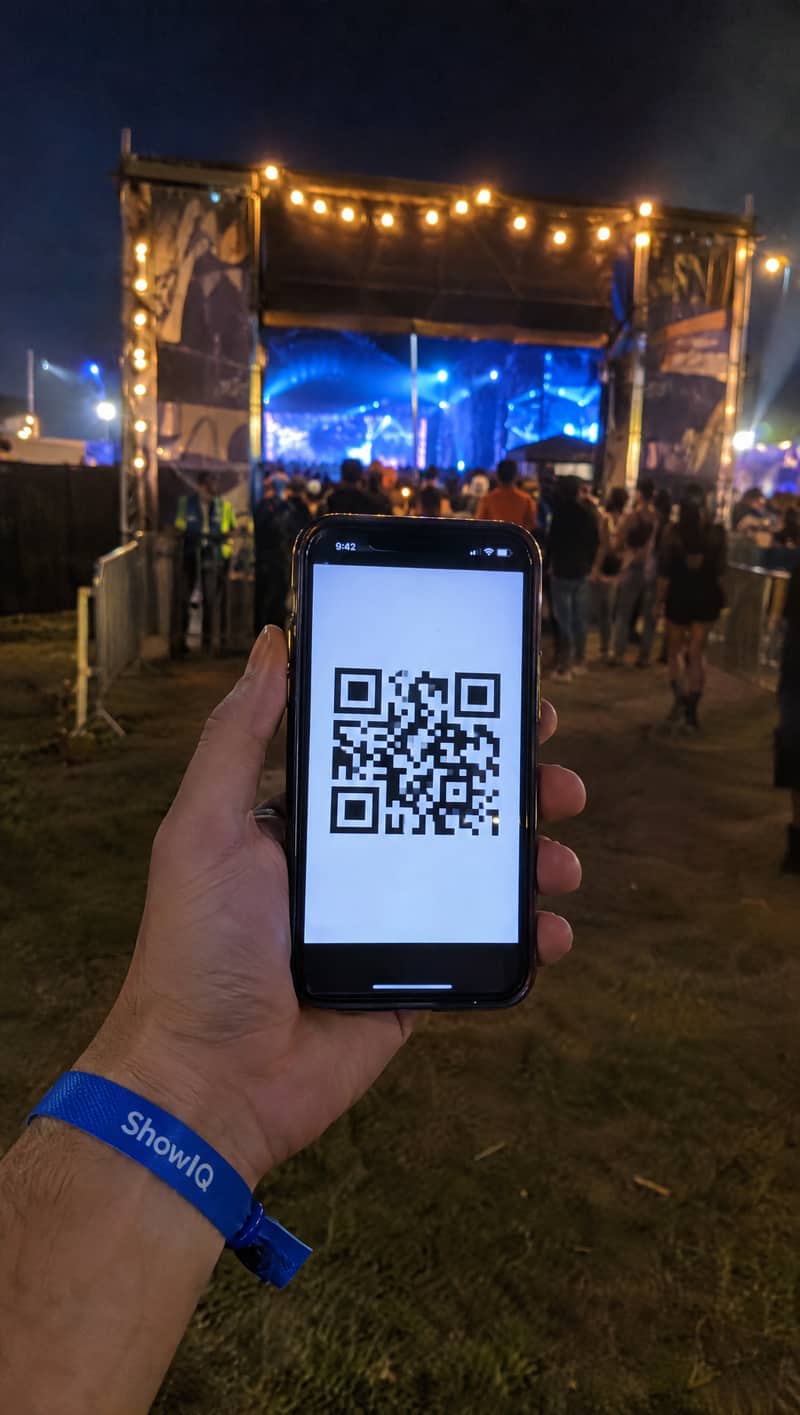
Scan the QR ticket. Approved or not in one second, with the count updating live.
You get back: 1 scanCheck-in in three steps.
- Give each gate a scanner login
Create logins per device or gate, limited to certain types and days. Staff stay logged in for their whole shift.
- Scan with the phone camera
The web scanner reads QR codes and barcodes in the browser. There is no app or hardware to buy.
- Follow it live
The operations board shows expected versus checked-in per day and type, and refreshes by itself.
Everything in check-in.
- Everything on one scanName, type, colour, whether the pass is valid today, and the check-in note you set for that type.
- Double scans flaggedA pass that was already scanned is flagged, and a check-in can be undone.
- A scanner per gateLogins per device or gate, limited to specific types and days or sessions.
- Accreditation deskA searchable list with manual check-in for people who don’t have their ticket at hand.
- ZonesA zone checker login shows allowed or not allowed for a specific area, such as backstage.
- Artist, band and parking passesSeparate check-ins for guests, artists, band members and parking passes.
- Live operations boardExpected versus checked-in per day and type, hand-outs and an artist board, in light or dark mode.
Questions about check-in.
Do we need scanning hardware?
No. The scanner runs in the browser on a phone and uses its camera to read QR codes and barcodes. If you want dedicated kit, we supply laptops, QR scanners, handhelds and wristband printers, configured for your event.
Does the scanner work offline?
No. The scanner needs a data connection: every scan is checked against the live list, so all gates see the same check-ins.
Can I limit a scanner to certain guests?
Yes. Each scanner login can be limited to specific accreditation types and to specific days or sessions.
Can the office follow check-ins?
Yes. The live operations board shows expected versus checked-in per day and type, refreshes automatically and can be shared with a link.
The rest of the show, in the same system.
- AccreditationArtists register their own people per day through a personal link. You approve, they get a QR ticket.3 h → 20 min
- Artist briefingsOne live page per artist with set times, route, contacts, guestlist and tickets. Send once, never re-send.Send once
- GuestlistsArtists, forms, vendors and CSV imports feed one list. Approve per day; the door sees it live.No merging
- Crew planningJobs and shifts, crew sign-up, availability, hours and expenses, and a personal briefing for every crew member.No calls
Stop managing shows in spreadsheets. Run them in ShowIQ.
Bring one upcoming show. We set it up with you and you see the difference on your own check-in.